

You might think you don’t need a separate app for public transit directions, considering you get the feature built into Google Maps and Apple Maps—two very capable apps that are available for free, and which come preinstalled on Android handsets (Google Maps) and iPhones (Apple Maps, with Google Maps also available).
However, sometimes a dedicated app works best: It’s more detailed, it’s more thorough, and it’s more focused. That’s the case with the apps we’ve listed below, which are often more useful than the public transit features in Google Maps and Apple Maps.
If you spend a lot of time on public transit, or you’re about to—maybe you’re going traveling—then we recommend getting one or more of these excellent apps installed alongside whatever you already have on your phone. You’ll find them very helpful for buses, trains, trams, cabs, and more.
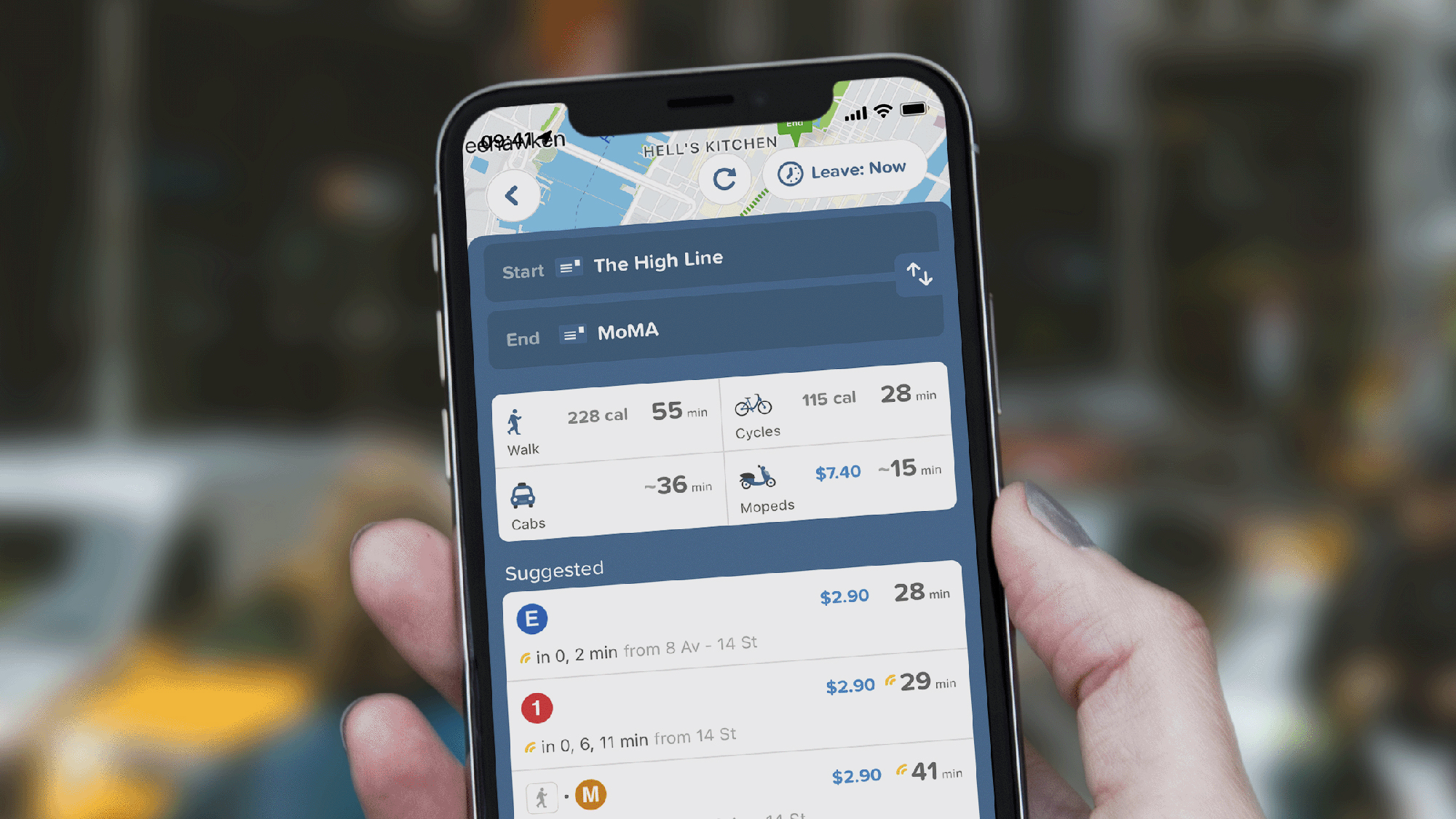
Citymapper
Citymapper is one of the most well-established and well-respected public transit apps out there, and a lot of its success is down to how slick and simple it is to use. Even if you’re lost in a city you’ve never been to before, Citymapper can get you to the right place.
There’s very good coverage across cities worldwide. A Citymapper Club subscription gets you extras such as voice navigation, lock screen widgets, and an ad-free experience—but all of the key features are available for free.
All the info you need is put front and center, from how long it’ll take to navigate a route to how much you’re going to have to spend. There are neat features sprinkled throughout too, including a setting to increase or decrease the amount of walking you have to do.
Citymapper: Freemium for Android and iOS
Transit
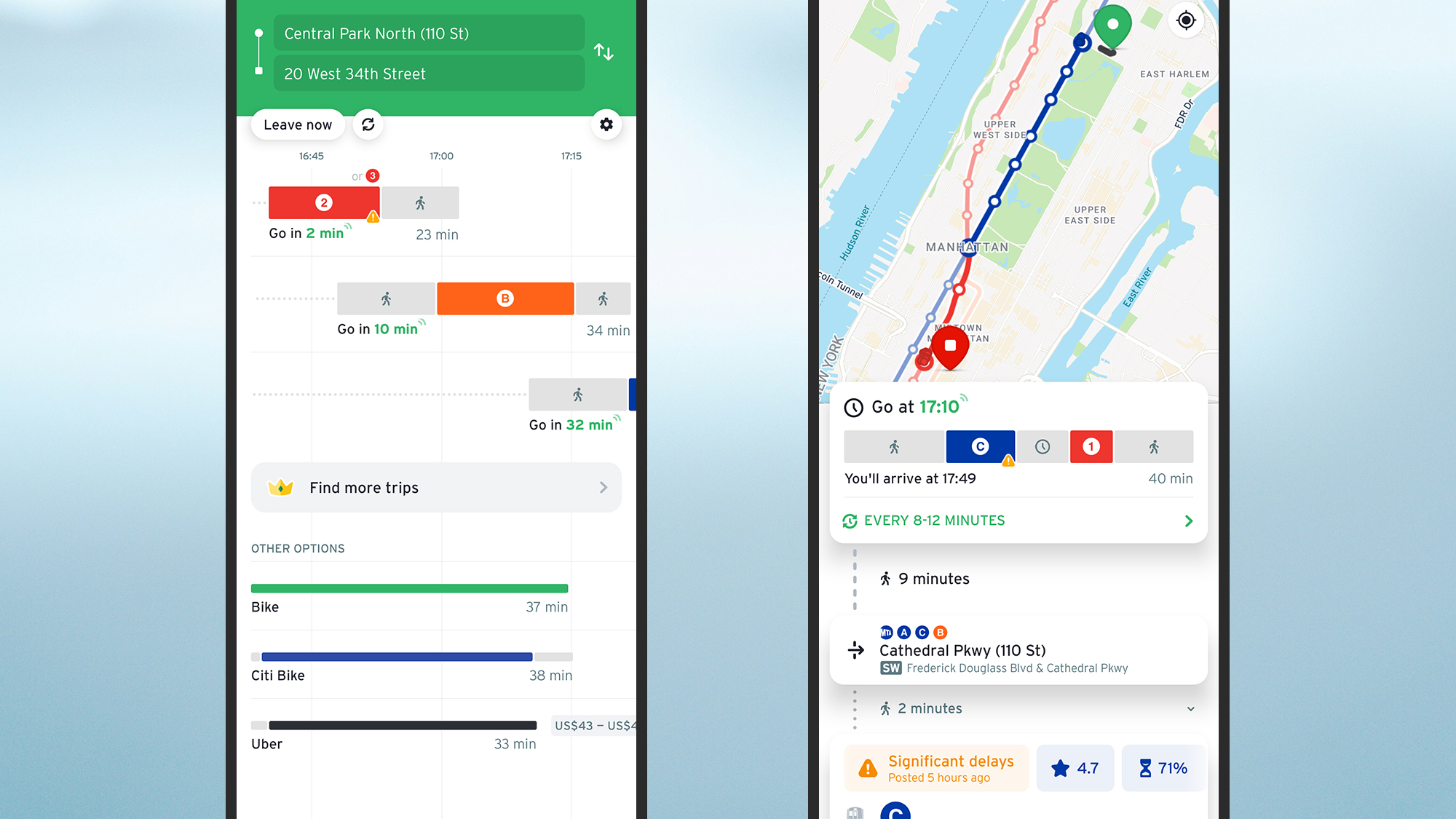
If you’re interested in bus and subway routes specifically then Transit—which covers most major cities in the world—has you covered. It has a wealth of data on more than 300 locales, and it promises up-to-the-second details of timings and delays.
It’s a really well presented app that doesn’t take itself too seriously (though it absolutely will serve up accurate info for you), and it does a great job of showing the details you need when you need them. When your bus is about to leave, for example.
In busy cities, public transit options can feel overwhelming, but Transit helps you cut through the noise to find the options you need. An optional Transit Royale subscription gives you even more data and customizations.
Transit: Freemium for Android and iOS
Moovit
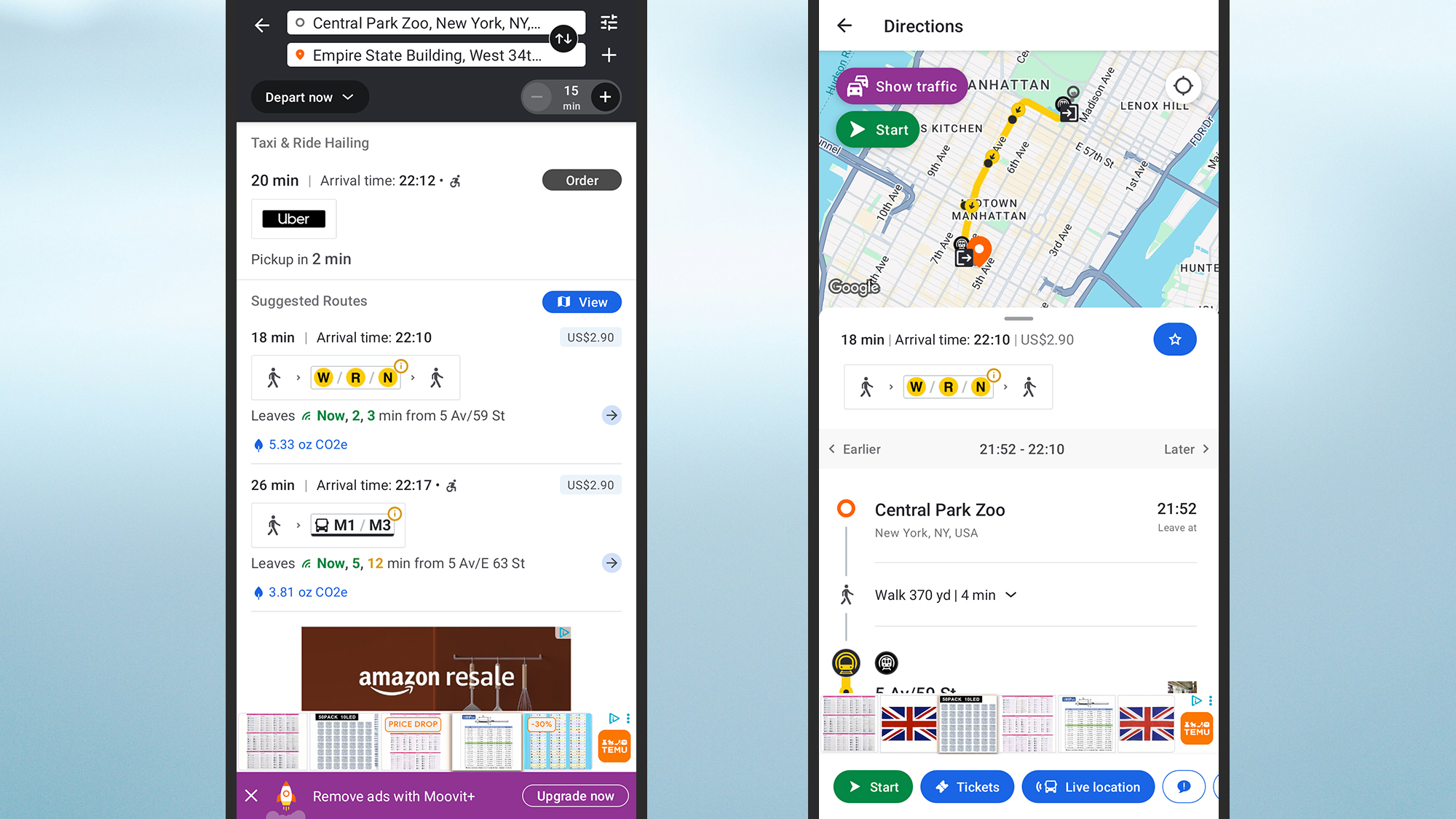
With data for thousands of cities and hundreds of countries, Moovit leads the world in terms of the raw data it has access to. No matter where you find yourself, chances are that Moovit can serve up the bus and train schedules you need.
The flow of the app is really well done, from searching for destinations to figuring out which stop and platform you need to be at. One of the more helpful features is a recommended route option that picks the best choice based on your chosen criteria.
If you don’t want to travel right away, you can easily look up schedules for other times and dates, and when you do get moving you get straightforward step-by-step instructions. A paid subscription option removes the ads and gives you access to more live information.
Moovit: Freemium for Android and iOS
Momego
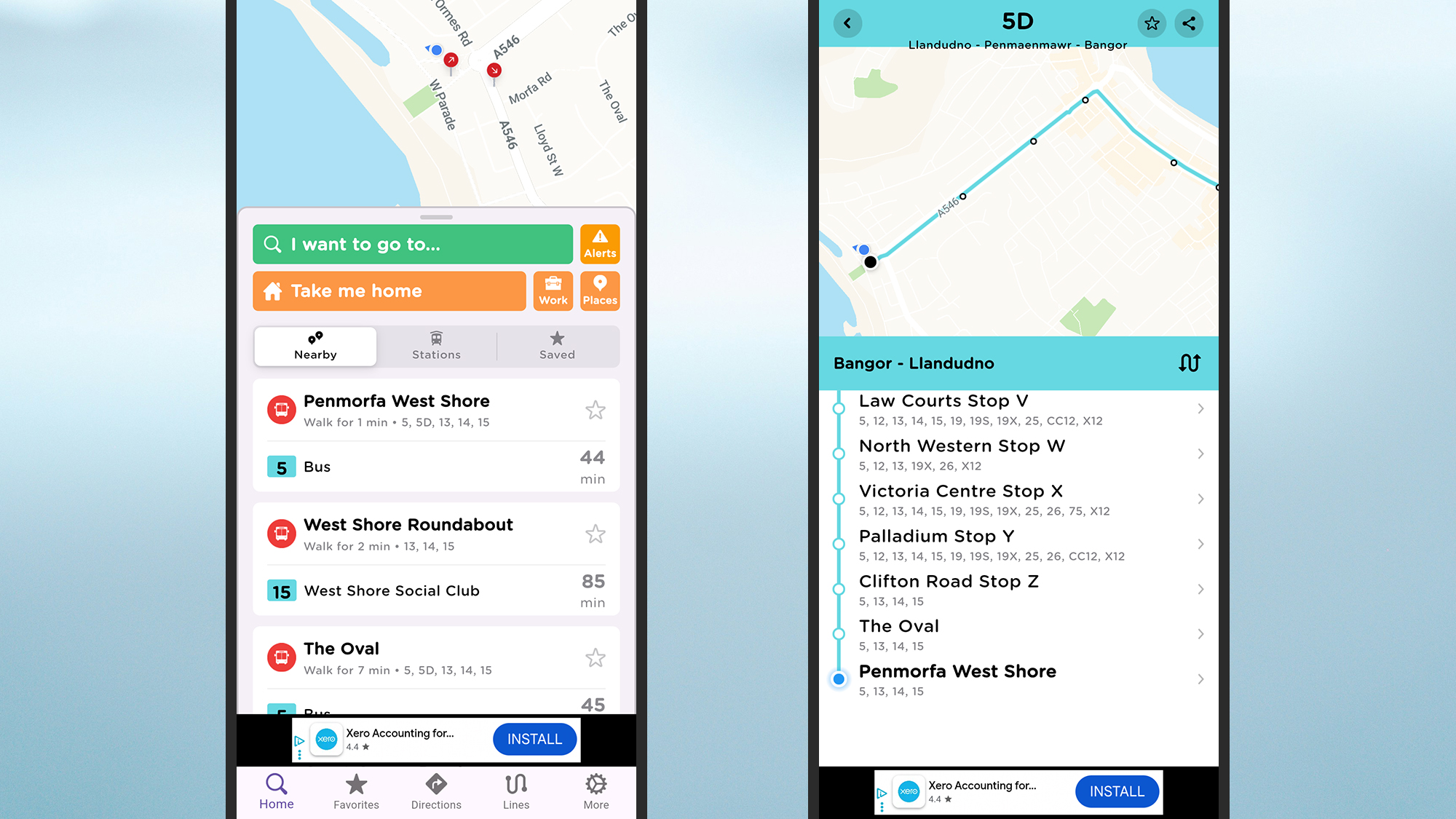
Momego scores highly in all the categories that matter for a public transit app, including the quality of the data it serves up, the intuitiveness of the interface, and how easy it is to get started—and it’s well worth trying for travel, wherever you find yourself in the world.
There’s a lot under the surface of Momego, but the app keeps everything straightforward on the top: Just tell it where you want to go and how you want to get there. There’s a premium subscription too, which removes the ads and offers extras like weather updates.
Among the most useful features: alerts when you need to get off whatever vehicle you’re on, real time updates on routes, customizable widgets for your home screens, and the ability to plan your trips ahead of time for specific dates and times.
Momego: Freemium for Android and iOS

More deals, reviews, and buying guides
